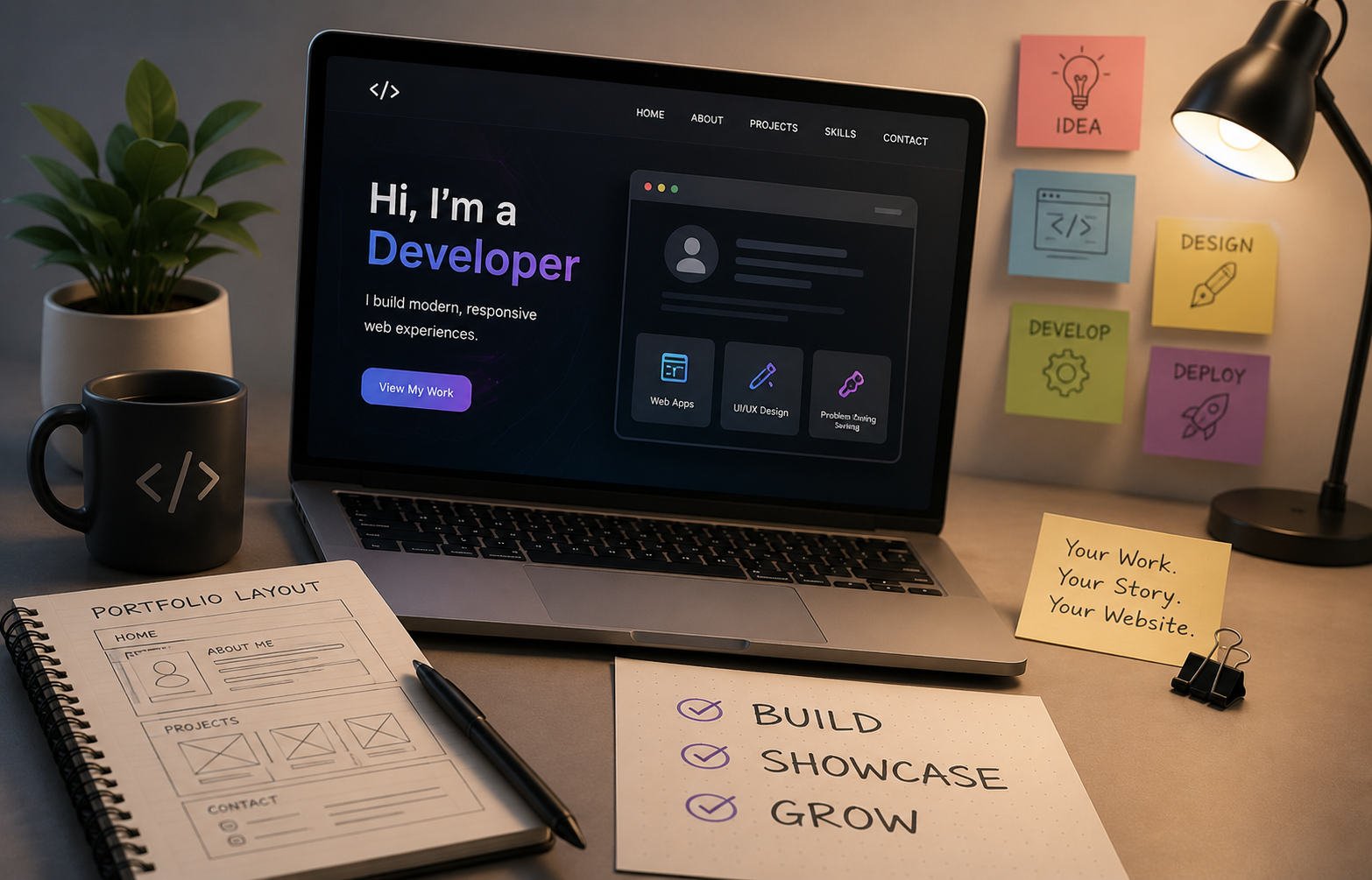
As a Computer Science student, I often heard people say that having a portfolio website is important. Recruiters, mentors, and experienced developers frequently recommended creating one. At first, I didn't fully understand why a personal website mattered so much. I believed that a resume was enough to showcase my skills and achievements.
Over time, my perspective changed. As I completed projects, certifications, and practical learning experiences, I realized that I needed a central place to present everything I had accomplished. A portfolio website offered exactly that opportunity. Instead of sending multiple links, documents, and screenshots, I could create a single platform that represented my work, skills, and professional journey.
This article shares my experience of building my portfolio website, the challenges I faced, the decisions I made, and the lessons I learned throughout the process.
Why I Decided to Build a Portfolio Website
The primary reason was simple: I wanted a professional online presence.
As I continued learning programming, data analytics, artificial intelligence, and web development, I accumulated several projects and certifications. While these achievements were valuable, they were scattered across different platforms.
I wanted a place where visitors could quickly learn:
* Who I am
* What I do
* What technologies I work with
* What projects I have built
* How to contact me
A portfolio website seemed like the perfect solution.
Additionally, building a portfolio website would allow me to improve my web development skills through a real-world project.
Planning Before Writing Code
One mistake many beginners make is jumping directly into coding without planning.
Before starting development, I spent time thinking about the structure of the website.
I listed the sections I wanted to include:
Home Section
A brief introduction that immediately explains who I am and what I do.
About Me
A section describing my background, interests, and goals.
Skills
A showcase of technologies and tools I have learned.
Projects
A dedicated area highlighting my work and achievements.
Certifications
A section displaying completed courses and certifications.
Contact Information
A simple way for visitors to reach me.
Creating this roadmap helped me stay focused during development.
Choosing the Technology Stack
One of the most important decisions was selecting the technologies to build the website.
I wanted a modern and professional-looking portfolio that was also fast and responsive.
After exploring different options, I decided to use technologies that aligned with my learning goals and future career interests.
The stack allowed me to:
* Build reusable components
* Create responsive layouts
* Improve performance
* Gain practical development experience
Instead of focusing solely on appearance, I wanted the project to help me strengthen my technical skills.
Designing the User Experience
I quickly realized that designing a website is very different from simply making it functional.
A portfolio should not only work correctly but also create a positive impression on visitors.
I focused on several principles:
Simplicity
I avoided unnecessary complexity.
Visitors should immediately understand:
* Who I am
* What I do
* Why they should continue exploring
Readability
Content should be easy to read.
I paid attention to:
* Font sizes
* Spacing
* Section organization
* Visual hierarchy
Responsiveness
Many users browse websites on mobile devices.
I made sure the website adapted properly to:
* Smartphones
* Tablets
* Laptops
* Desktop computers
Performance
Nobody likes a slow website.
I worked on optimizing:
* Images
* Animations
* Loading speed
* Overall responsiveness
The Challenges I Faced
Building the website was not always smooth.
Several challenges appeared during development.
Challenge 1: Design Decisions
One of the hardest parts was deciding how the website should look.
There are countless portfolio designs available online, which can sometimes make decision-making more difficult.
I spent time exploring different layouts before finding a style that matched my goals.
Challenge 2: Responsive Design
A layout that looks great on a large monitor may break on smaller screens.
I had to repeatedly test different devices and screen sizes to ensure a consistent experience.
This taught me the importance of mobile-first thinking.
Challenge 3: Content Creation
Creating the actual content took longer than expected.
Writing descriptions for:
* Projects
* Skills
* Certifications
* Personal achievements
required reflection and careful presentation.
I learned that a portfolio is not only a development project but also a personal branding exercise.
Challenge 4: Continuous Improvements
After launching the website, I noticed areas that could be improved.
Instead of considering the project finished, I began treating it as something that could evolve over time.
This mindset helped me continuously improve both the website and my skills.
What I Included in My Portfolio
I wanted the website to provide a complete overview of my journey.
Some of the key elements included:
Technical Skills
A clear presentation of technologies I have worked with.
Projects
Detailed information about projects I have built, including:
* Objectives
* Technologies used
* Challenges faced
* Results achieved
Certifications
Professional courses and certifications that demonstrate continuous learning.
Contact Information
Links and methods that allow visitors to connect with me easily.
Personal Branding
A consistent visual style that represents my professional identity.
Lessons I Learned
Building this portfolio website taught me several important lessons.
Learning by Building Works Best
Reading tutorials helped me understand concepts, but building a real project helped me truly learn them.
Many problems only appear when you start creating something yourself.
Perfection Is Not Required
Initially, I wanted everything to be perfect before launching.
Eventually, I realized that releasing a good website today is better than endlessly delaying a perfect website.
User Experience Matters
Visitors care about usability.
A simple, fast, and easy-to-navigate website often performs better than a complicated design filled with unnecessary features.
Projects Build Confidence
Every completed project increases confidence.
Building the portfolio reminded me how much I had learned and how much progress I had already made.
How My Portfolio Helped Me
Since launching the website, I have noticed several benefits.
Better Professional Presence
Instead of sharing multiple documents and links, I can provide one central location for everything.
Stronger Learning Experience
The project helped me improve my development skills significantly.
Easier Networking
People can quickly understand my background, interests, and work.
Motivation to Keep Building
Every new project creates an opportunity to improve and expand the portfolio.
Advice for Students Building Their First Portfolio
If you are thinking about creating your first portfolio website, my advice is straightforward:
* Start before you feel fully ready.
* Focus on clarity rather than complexity.
* Highlight your projects.
* Keep improving over time.
* Treat the website as a reflection of your growth.
Your portfolio does not need to be perfect on day one.
What matters most is taking the first step and creating something that represents your journey.
Final Thoughts
Building my portfolio website was one of the most valuable projects I have worked on so far. It combined design, development, problem-solving, and personal branding into a single experience.
More importantly, it gave me a platform to showcase my work and document my growth as a student and aspiring technology professional.
The website will continue evolving as I learn new skills, complete new projects, and gain new experiences. In many ways, it represents not only where I am today but also where I hope to go in the future.
For me, the portfolio website is more than just a project it is a digital record of my learning journey.